
Moving Away From UIRequiresFullScreen on iPad
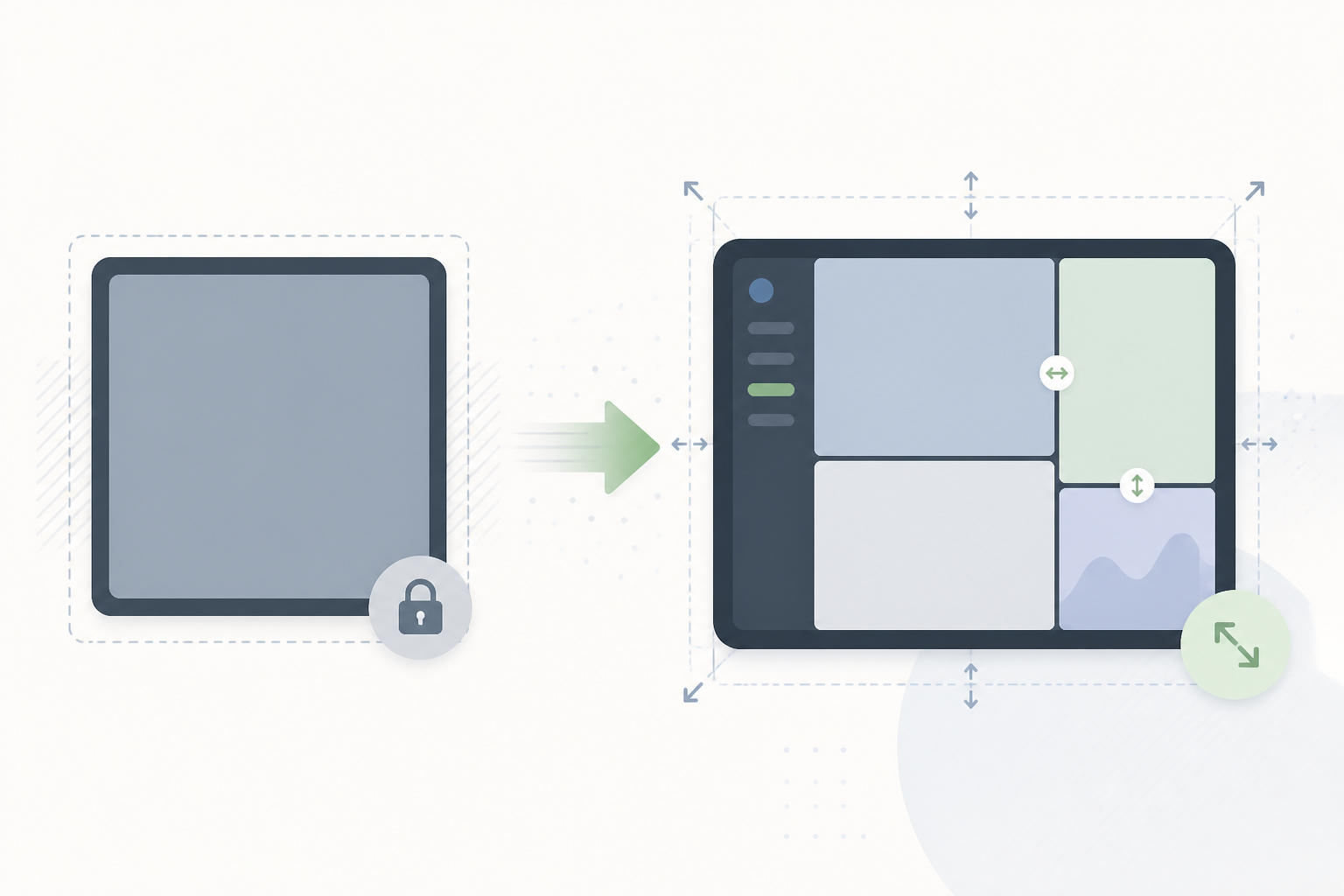
If your iPad app still relies on UIRequiresFullScreen, Apple's updated TN3192 migration guide is worth reading before you build with the iOS 27 SDK. The full-screen compatibility mode was deprecated in iPadOS 26, and its behaviour is changing again.
For apps built with the iOS 27 SDK or later and running on iOS 27 or iPadOS 27, setting UIRequiresFullScreen to YES no longer prevents scene resizing. While that compatibility mode is enabled, the system uses discrete resizing. The scene keeps its size while someone drags the window, then changes size when they finish.
An app that assumes its scene dimensions never change can still end up with misplaced controls or content that doesn't fit. Delaying the resize until the drag ends doesn't fix those layout assumptions.
The transition key, UIRequiresFullScreenIgnoredStartingWithVersion, lets you specify when the system should begin ignoring UIRequiresFullScreen. Its value is a version string, such as "27". Setting it to version 27 or earlier disables that compatibility behaviour on version 27, so your app needs to handle dynamic resizing. Use it once you've adapted your layouts; it doesn't restore the old resizing opt-out. Apple's key documentation explains how it works alongside UIRequiresFullScreen.
Apple's migration guide covers adapting layouts and responding to scene size changes. It also describes more specific preferences, including UISceneSizeRestrictions for sizing and prefersInterfaceOrientationLocked for requesting an orientation lock.
I think this is a useful prompt to revisit older UIKit layouts. There may have been a good reason to require full screen when an app was built, but it's worth checking which parts still need that assumption. Start with the screens that use fixed dimensions and try resizing them. That should give you a much clearer idea of the work involved than changing the property-list key alone.
Correction, 12 September 2026: The original wording suggested the transition key could preserve the resizing opt-out. The explanation above now distinguishes discrete resizing from ignoring the compatibility mode.